How to Use the New TrueVoxel Shades Update in TrueDent: Step-by-Step Guide
Learn how to use the latest TrueVoxel Shades update in TrueDent.
By Lior Amir
1
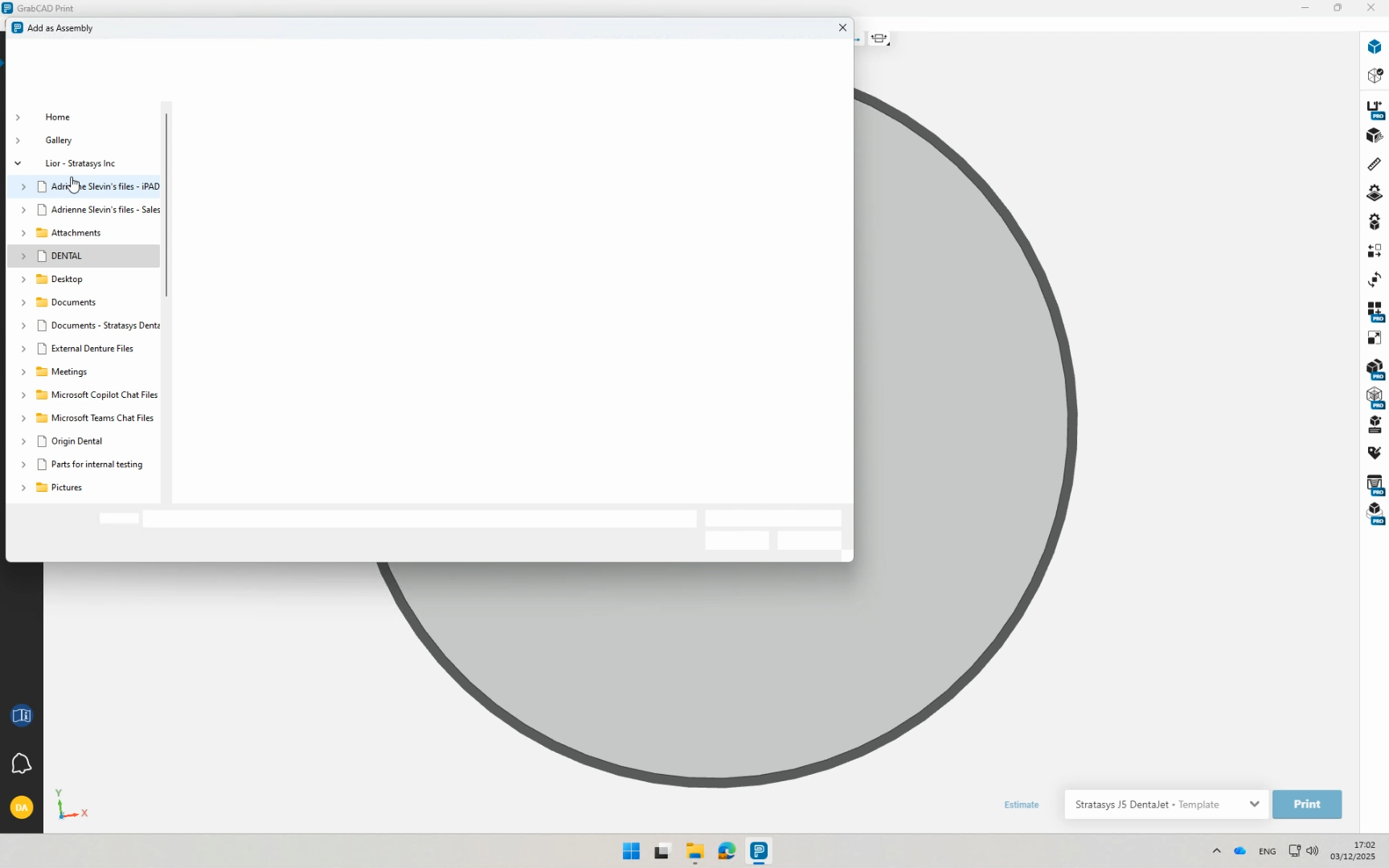
Add Assemblies
2
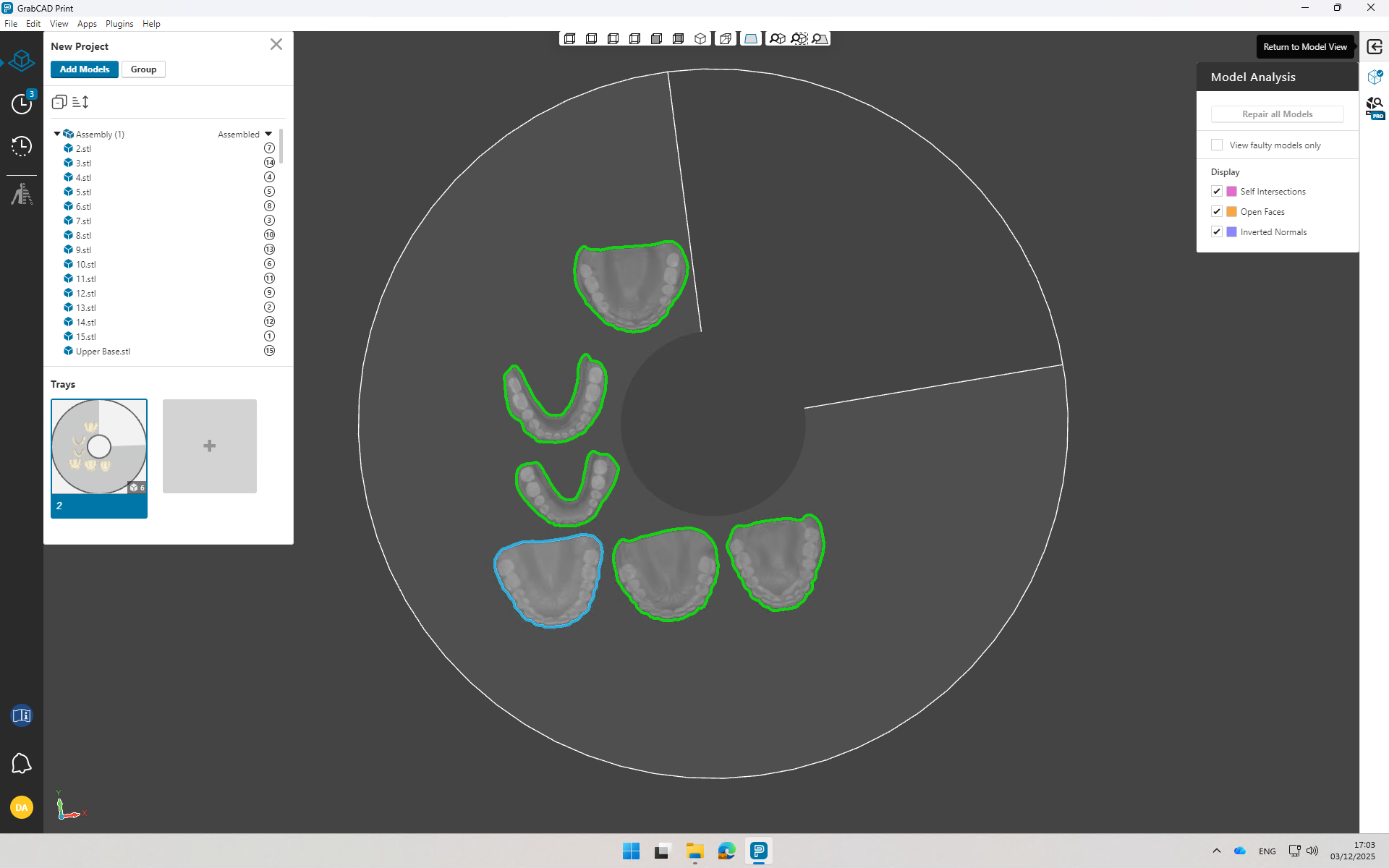
Run Repair Analysis
3
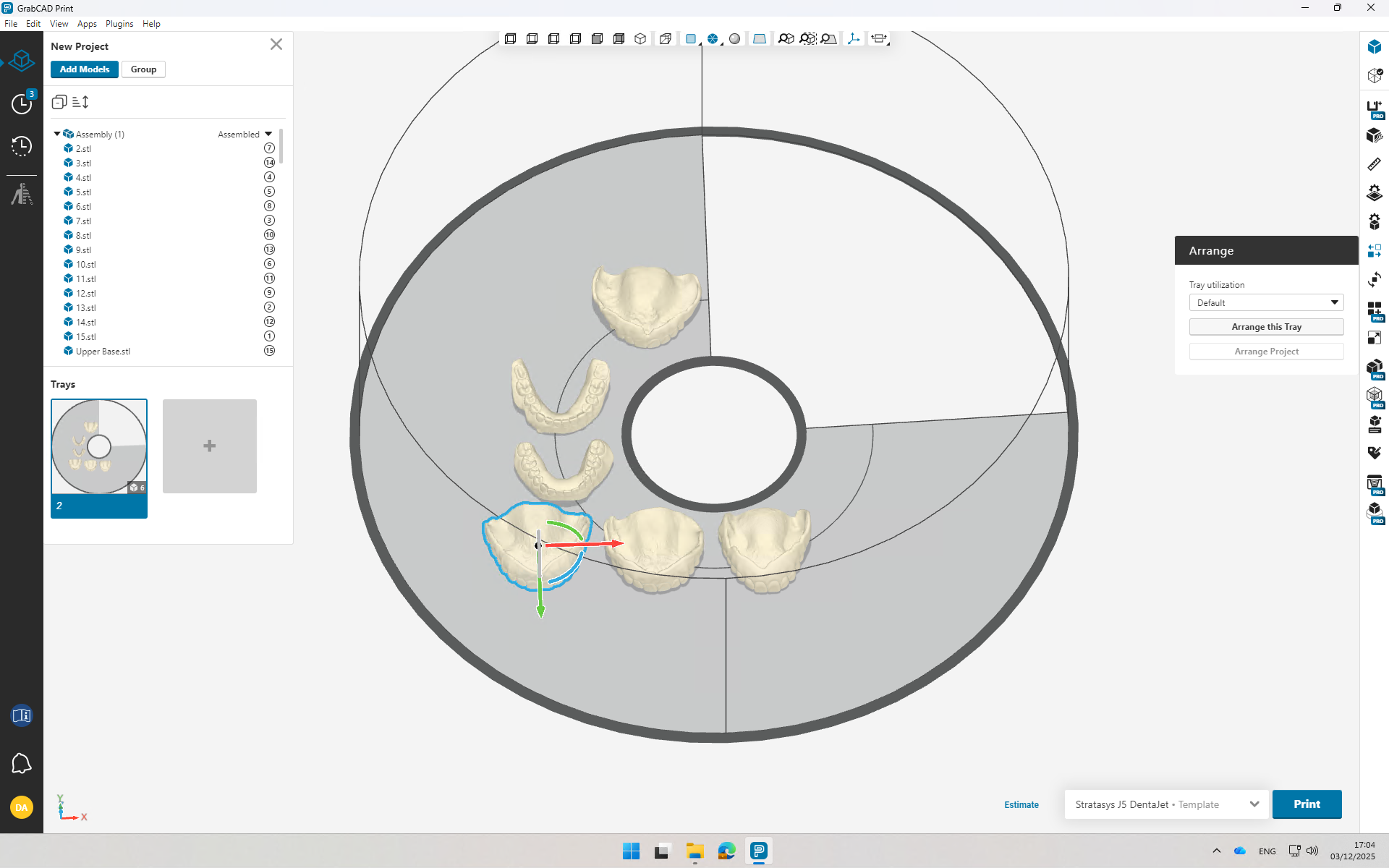
Arrange the Tray
4
Assign Base/Gingiva Shades
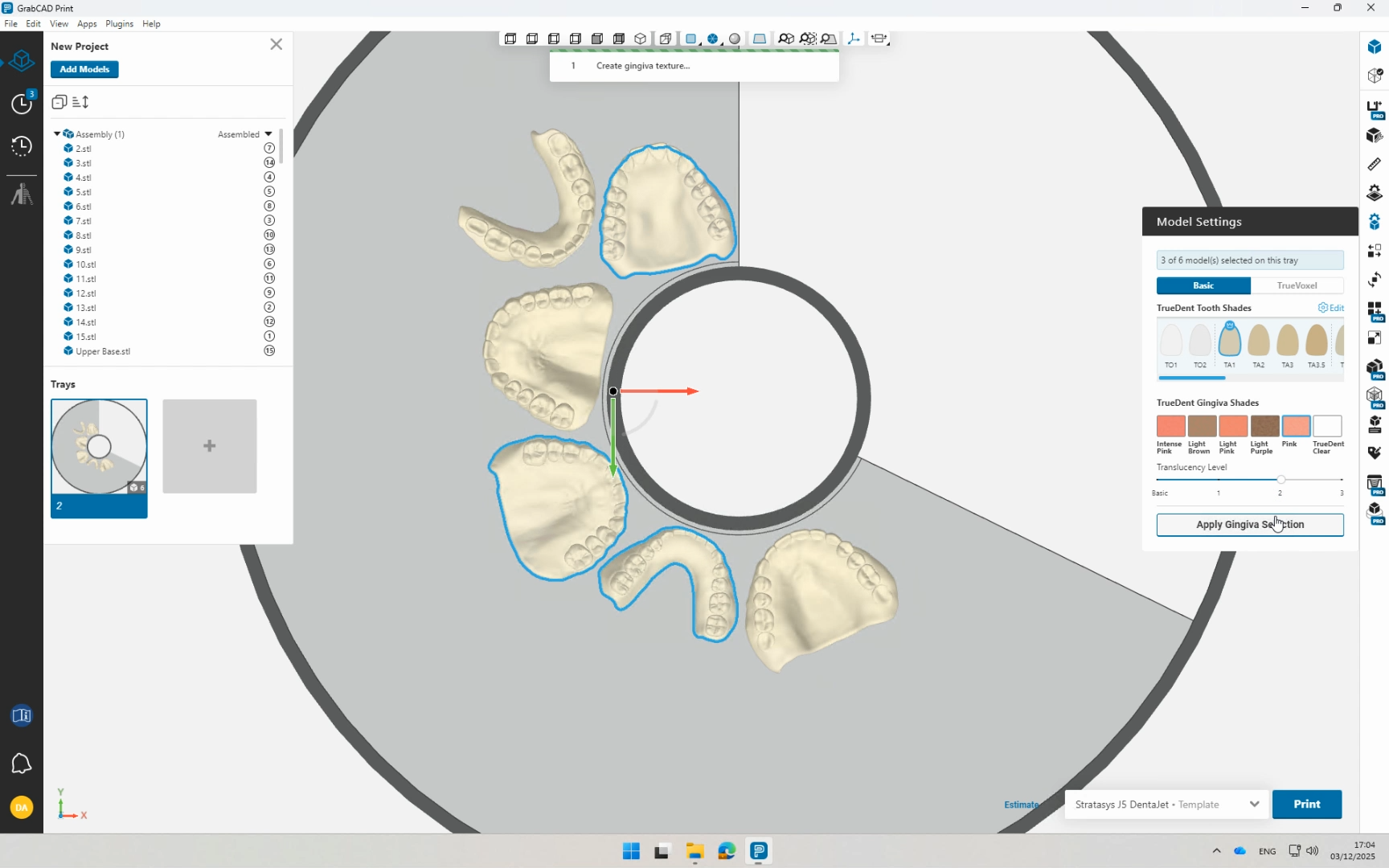
5
Add Labels
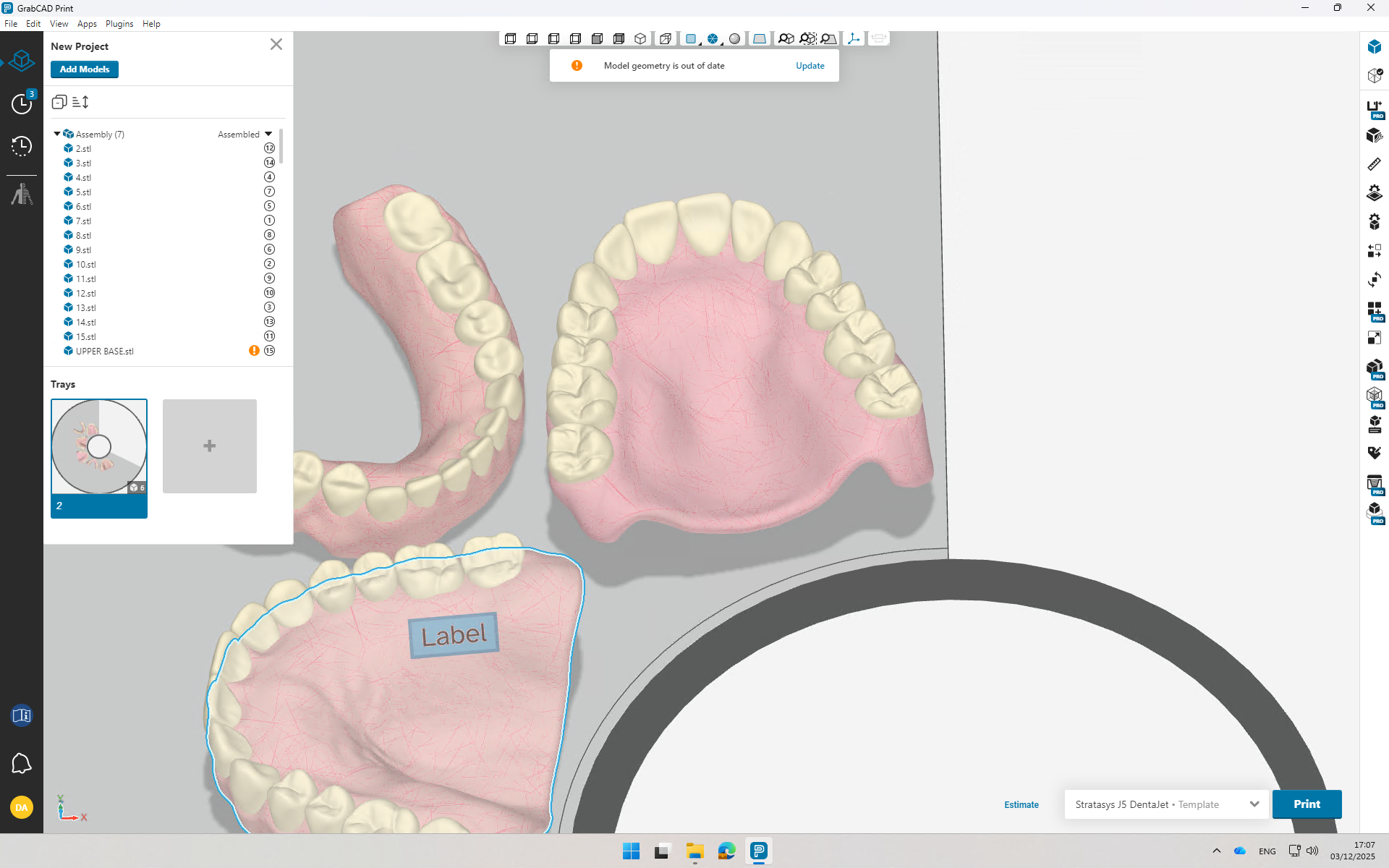
6
Open Dental View
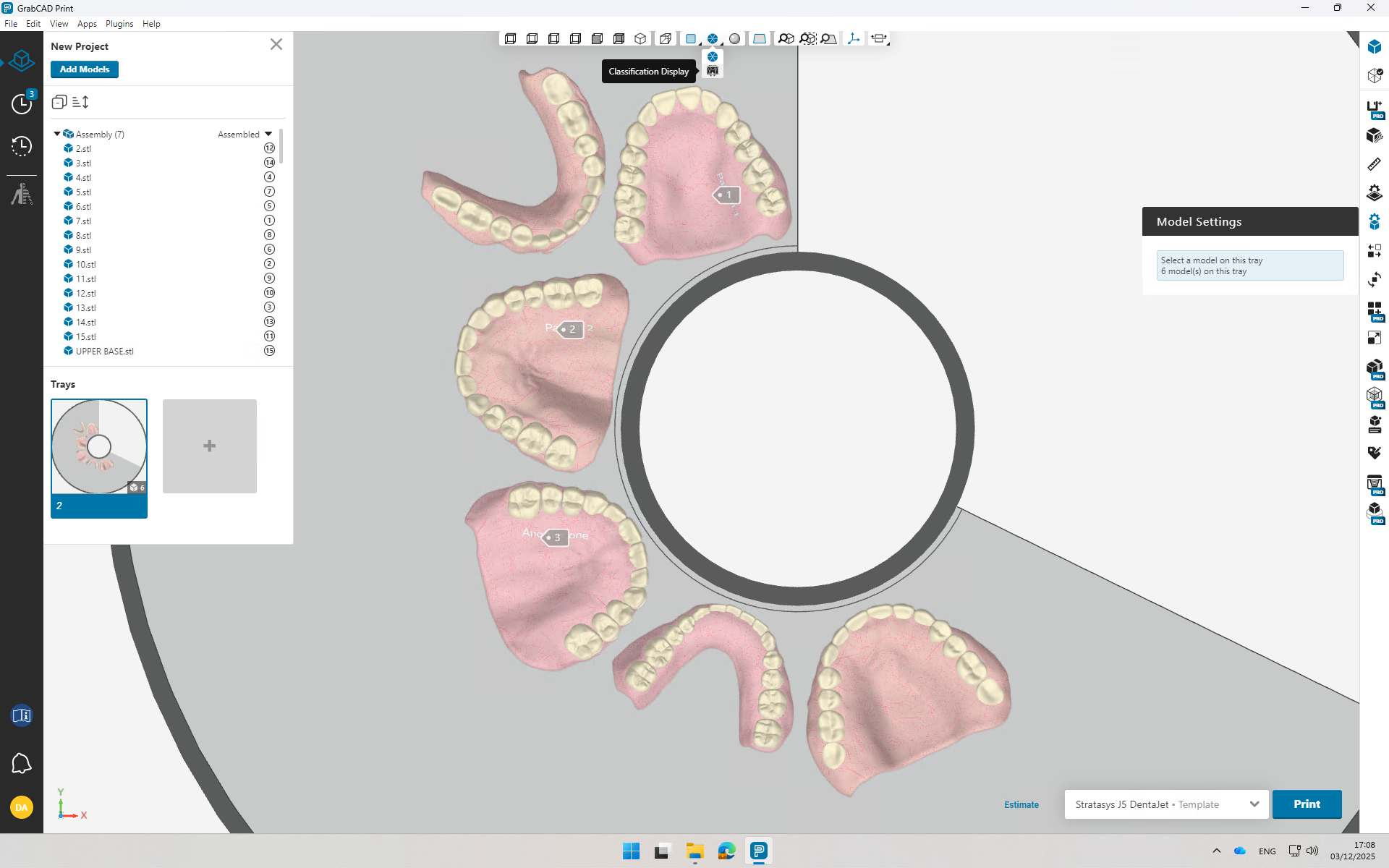
7
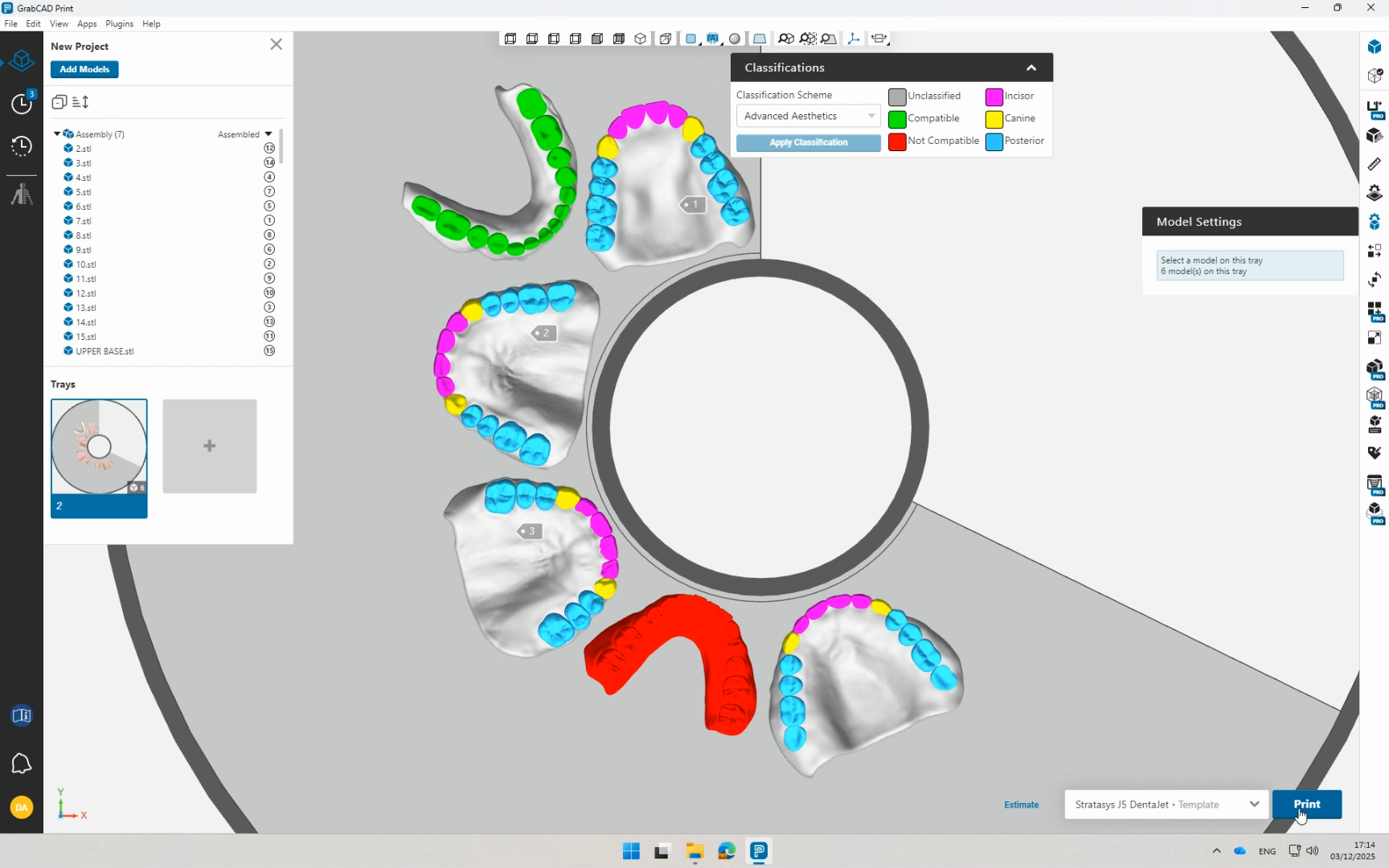
Click on "Apply Classification"
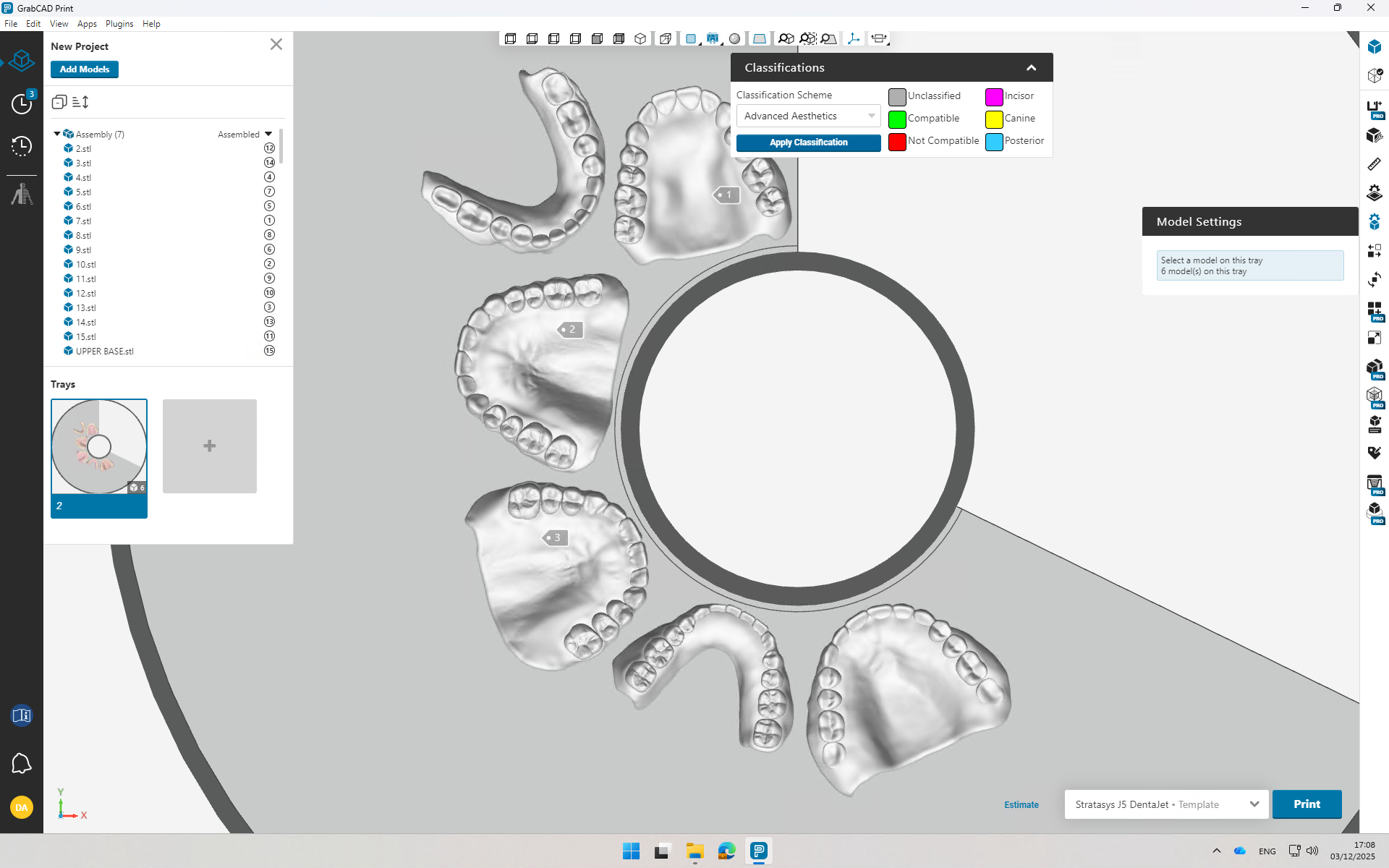
8
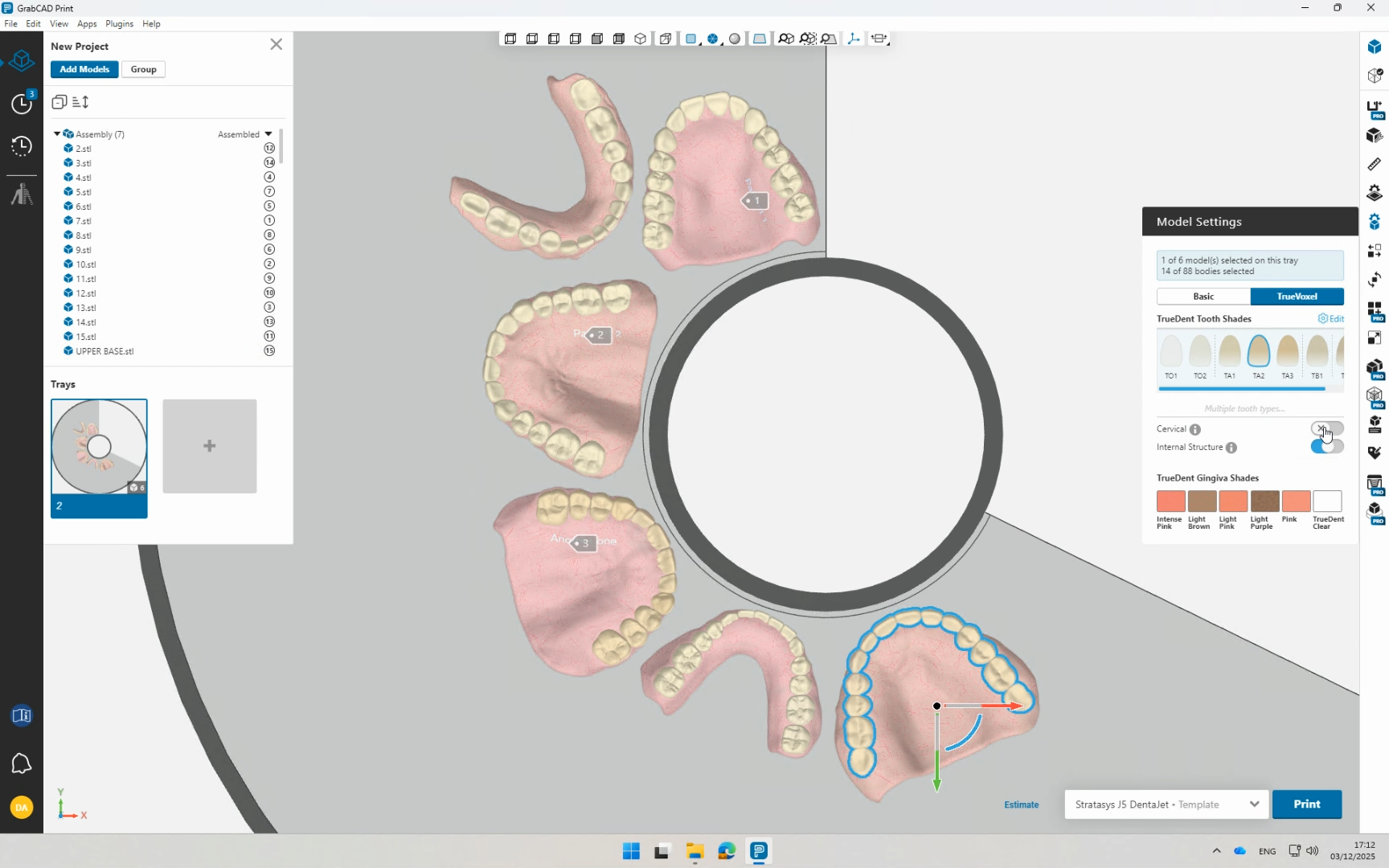
Apply a TrueVoxel Shade for the Required Models
9
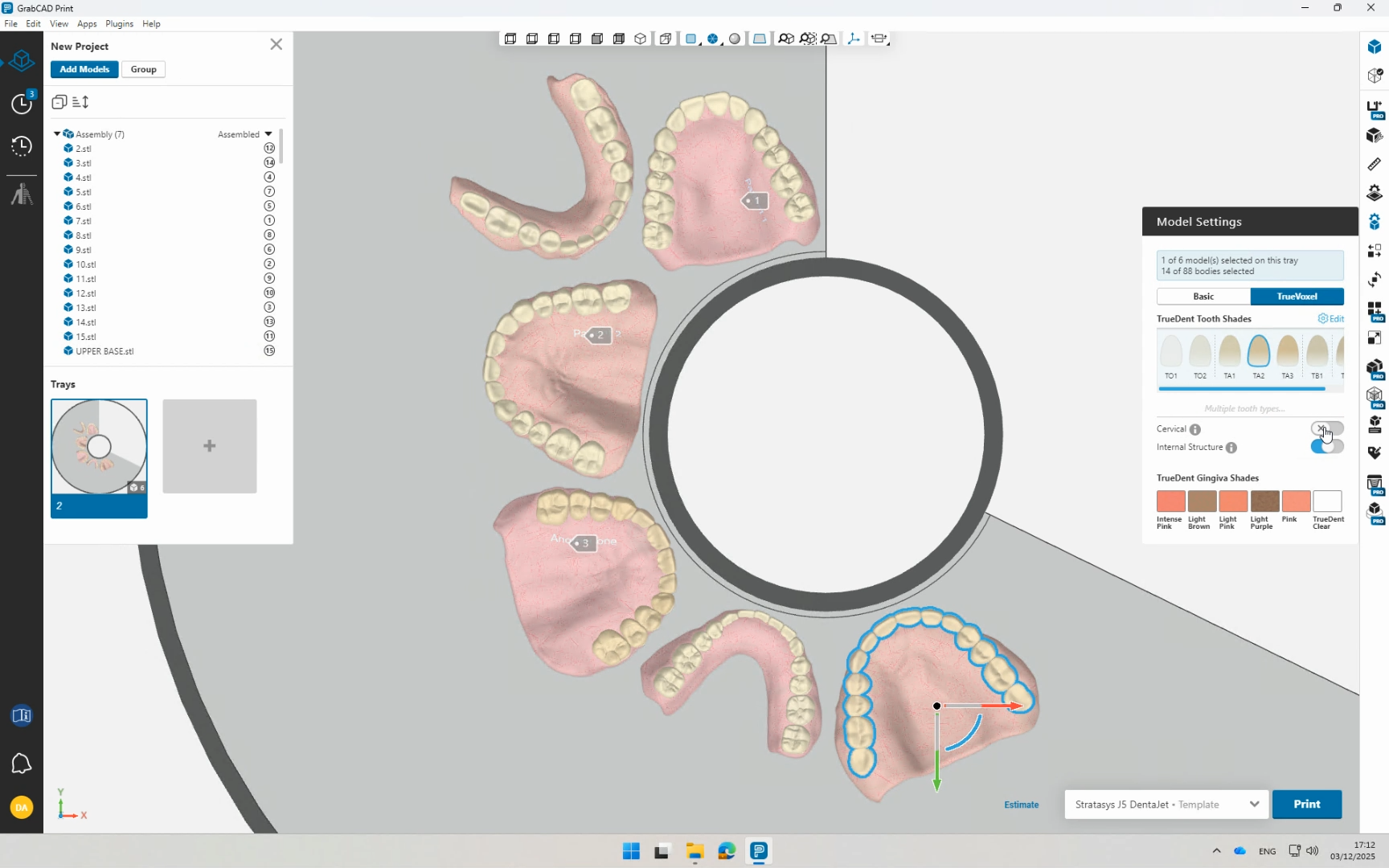
Add/Remove Aesthetics Features
10
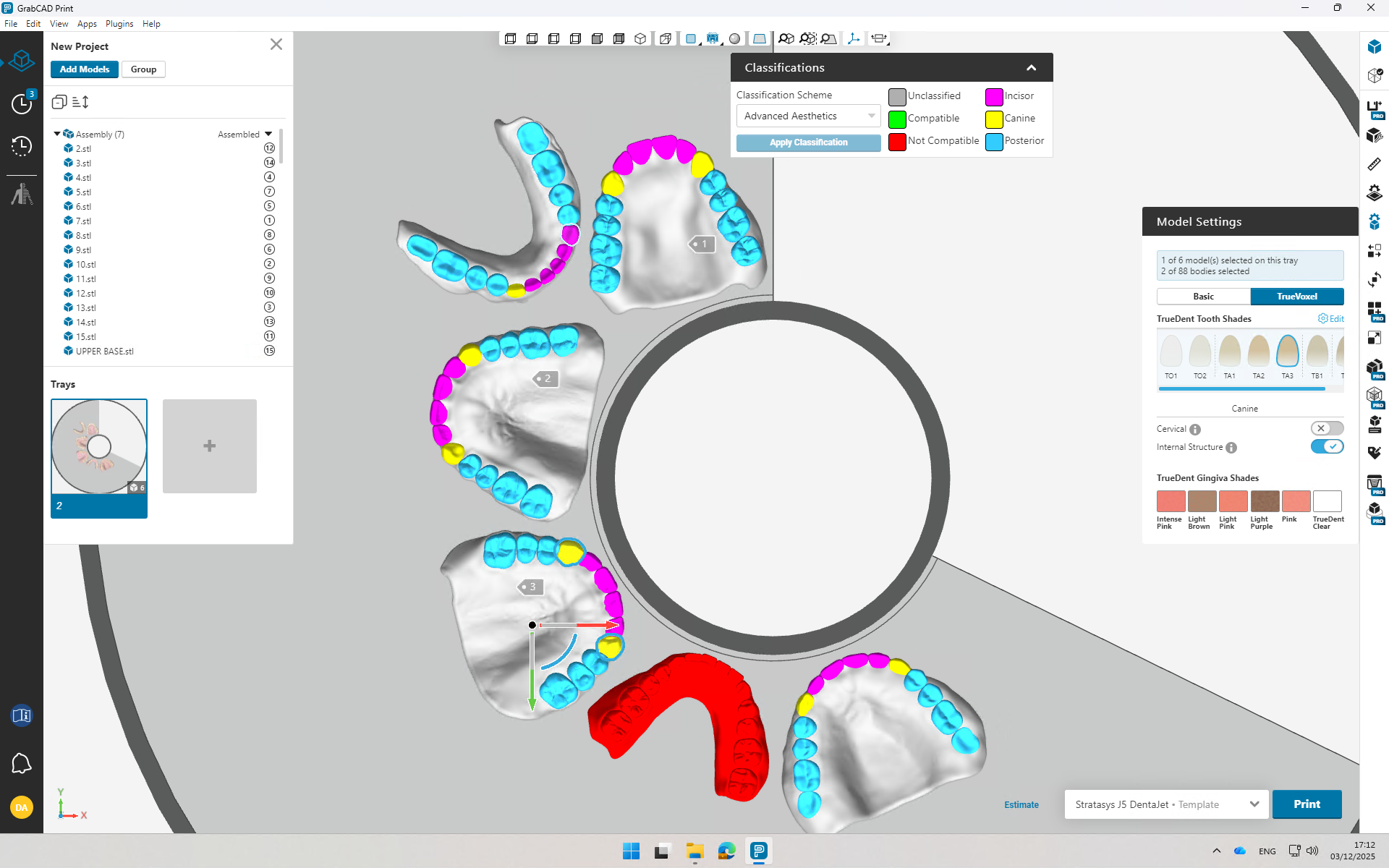
Verify Tooth Type Identification and Correct where Needed
11
Print